We help UK small businesses adopt secure, practical Microsoft 365 AI with results you can measure — not buzzwords
AI for SMB - why now?
Artificial Intelligence is no longer just for large enterprises. AI for SMBs is now built directly into Microsoft 365 — the tools your team already uses every day.
The challenge for most small and mid‑sized businesses isn’t whether AI is useful, but how to adopt AI safely, securely, and with real business value.
At Ashdown Solutions, we help SMBs use AI in Microsoft 365 to improve productivity, reduce admin, and protect sensitive business data — without hype or unnecessary risk.
What is AI for SMBs in Microsoft 365?
AI for SMBs means using Microsoft 365 Copilot and built‑in intelligence across Outlook, Teams, Word, Excel, and PowerPoint to support everyday work.
Unlike public AI tools, Microsoft 365 AI:
Works inside your existing Microsoft tenant
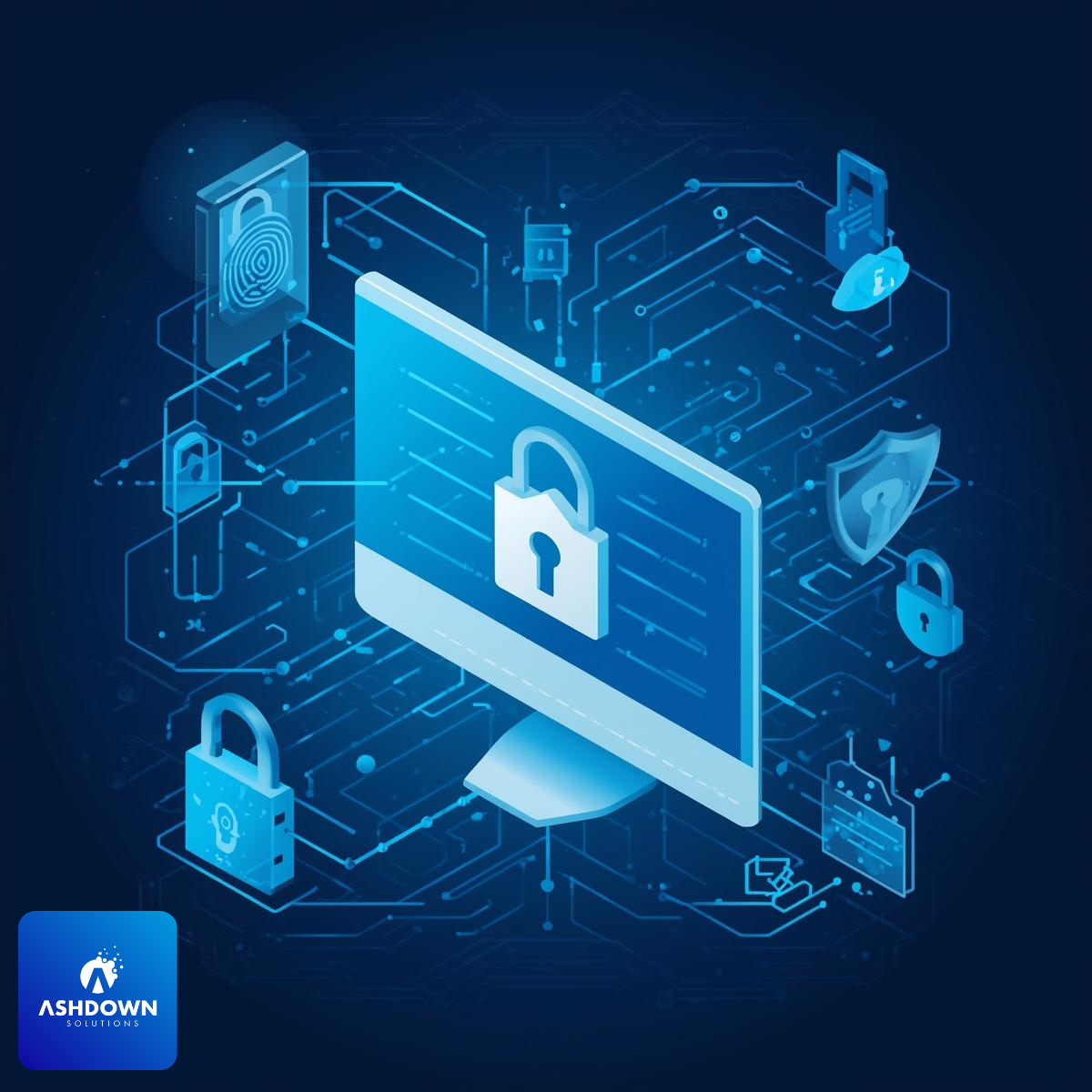
Respects user permissions and security controls
Keeps your business data private and protected
Your team can use AI to draft content, summarise emails and meetings, analyse spreadsheets, and turn conversations into actions — all without moving data outside your organisation.
How AI helps businesses work smarter
When implemented correctly, AI for SMBs delivers immediate, practical benefits.
Typical use cases we see across our clients:
Management & Leadership
Weekly summaries instead of digging through emails
Faster, clearer decision briefings
Less time spent on admin, more time on strategy
Sales Teams
Drafting proposals and follow‑up emails
Preparing for customer meetings in minutes
Consistent messaging without extra effort
Operations & Admin
Automatic meeting notes and action lists
Reduced repetition and manual documentation
Smoother internal communication
Finance & Reporting
Plain‑English explanations of spreadsheets
Faster trend analysis and reporting
Less reliance on complex formulas
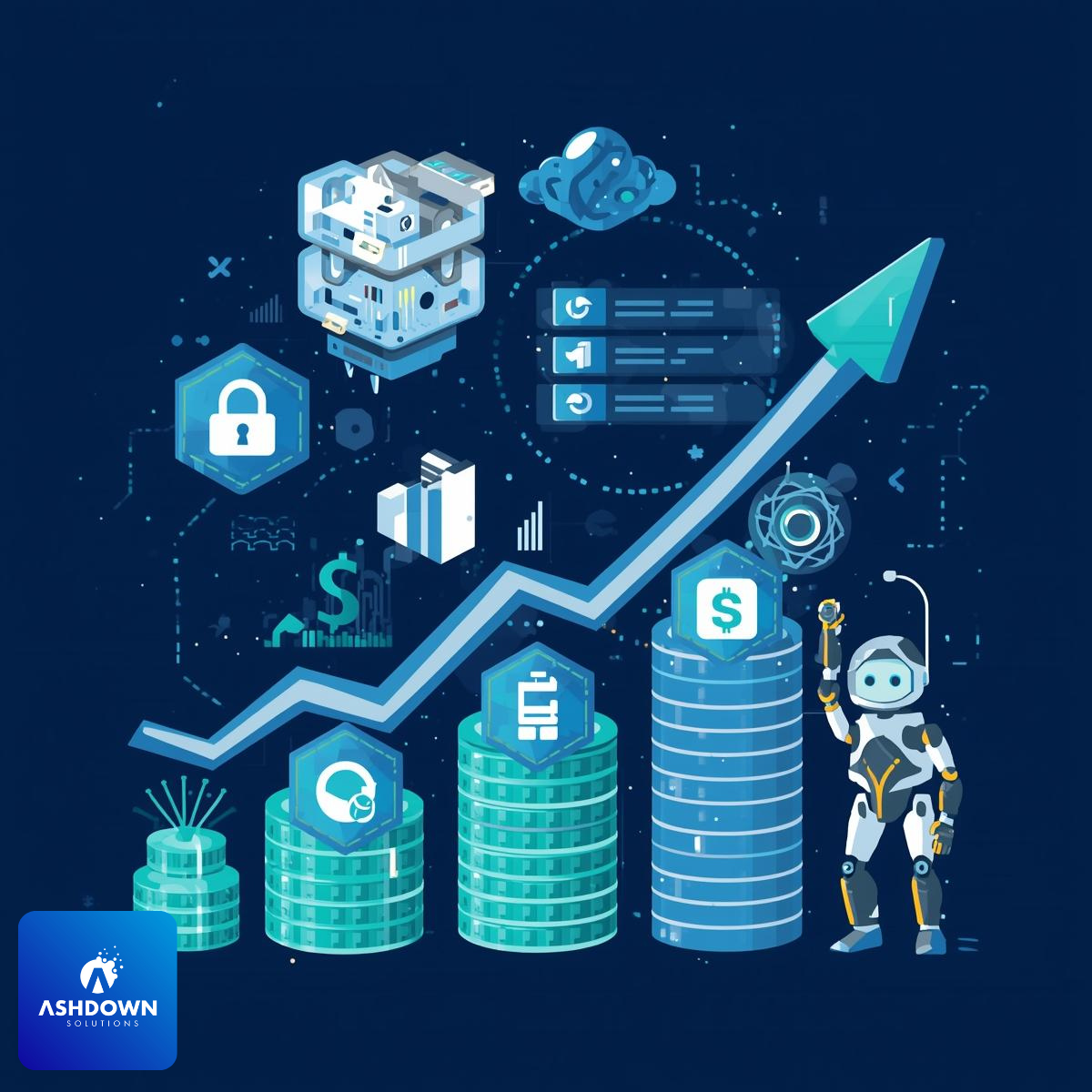
For most SMBs, even 15–30 minutes saved per person, per day quickly delivers a strong return on investment.
How we help you adopt AI safely
AI Readiness Review We assess permissions, data sharing, and security posture.
Secure Configuration & Guidance We align Copilot with your real workflows.
Ongoing Support & Governance We help teams use AI confidently without creating risk.
Free Your Team From Repetitive Work in Weeks — Not Months
Stop spending hours summarising meetings, drafting proposals, or pulling reports together. With the right Microsoft 365 AI setup, your team can reclaim valuable time every single day — securely and with clear governance in place.
Want to see how we can help you be more productive in your business?